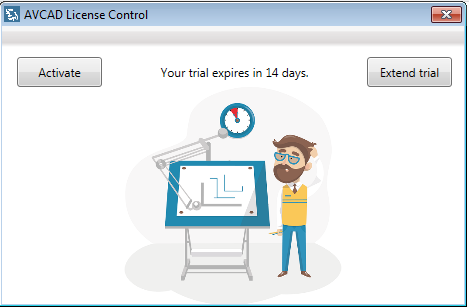
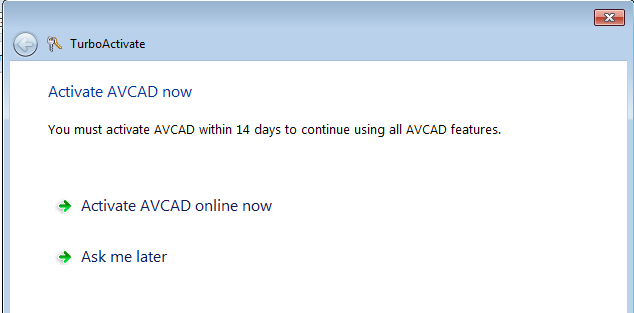
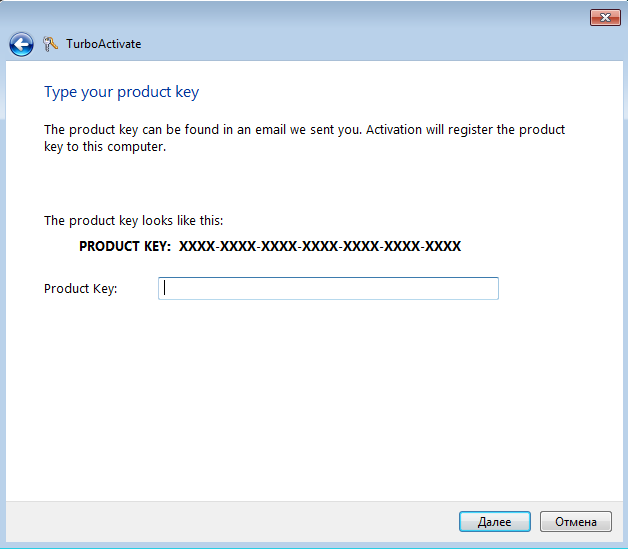
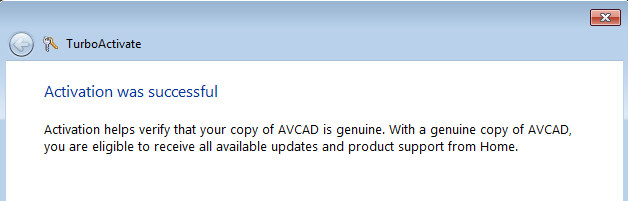
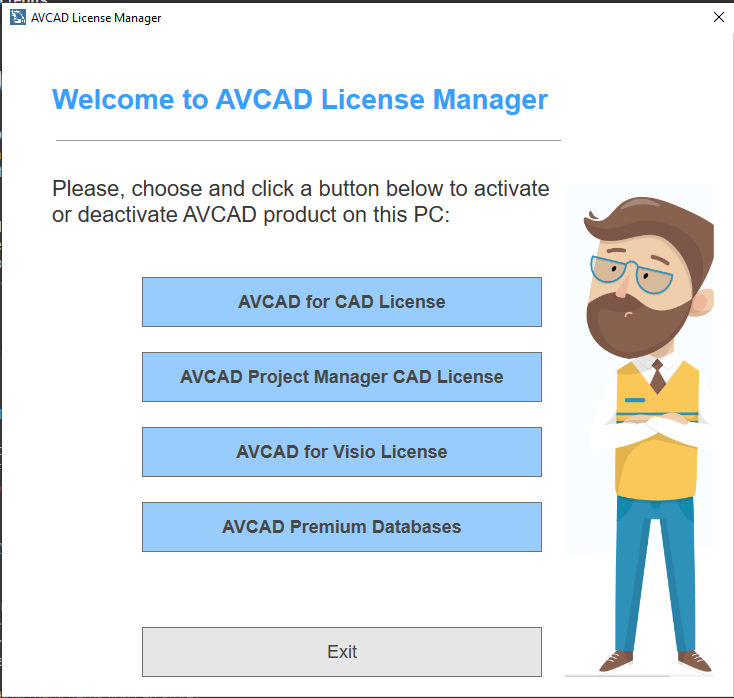
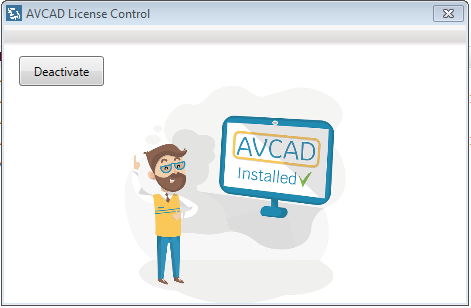
How to activate your AVCAD license on a workstation? To activate your AVCAD’s license after installation: 1 Run AVCAD License Manager from the Start Menu 2 Click “Activate” button. New activation window will appear. 3 Press “Activate AVCAD online now” and type your product key. Press “Next” 4 Your activation is ready How to deactivate your AVCAD license on a workstation? If you want to use your AVCAD license on another workstation, you have to deactivate your license first. 1 Run AVCAD License Manager from the Start Menu 2 To deactivate your license on the workstation, press the “Deactivate” button. Now you can activate your license on another workstation see (How to activate your AVCAD license on a workstation?)